使用指南附件 A Instructional Guide Annex A
Follow this step-by-step guide to set up the Parents Gateway mobile app using your SingPass account.

Step-by-Step Guide - Setting up the PG Mobile App
Step 1 – Setup your SingPass and 2FA
SingPass and 2-Factor Verification (2FA) is required to access the PG App.
SingPass is available to all Singapore Citizens and Singapore Permanent Resident parents. If you have not yet registered for SingPass, or 2FA, please visit the SingPass website (opens in new tab) to do so. If you are not a Singapore Citizen or Singapore Permanent Resident (PR), you may also visit the SingPass website to find out if you are eligible for SingPass.
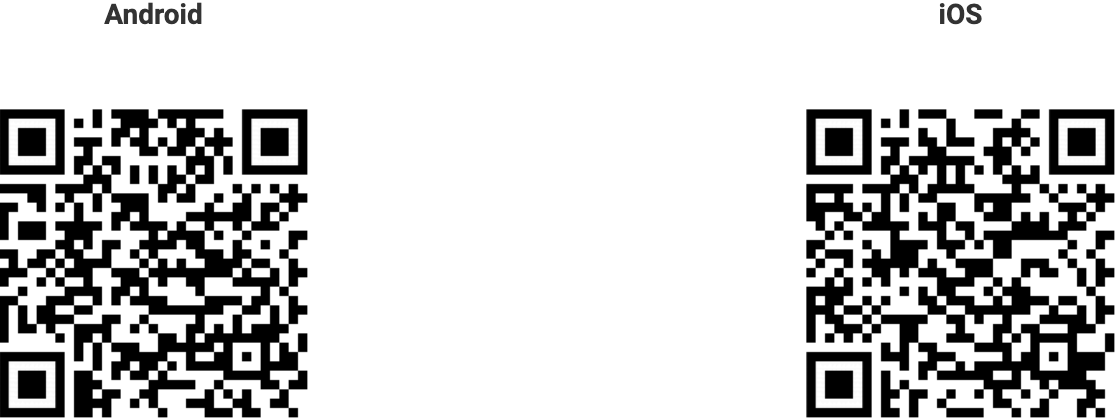
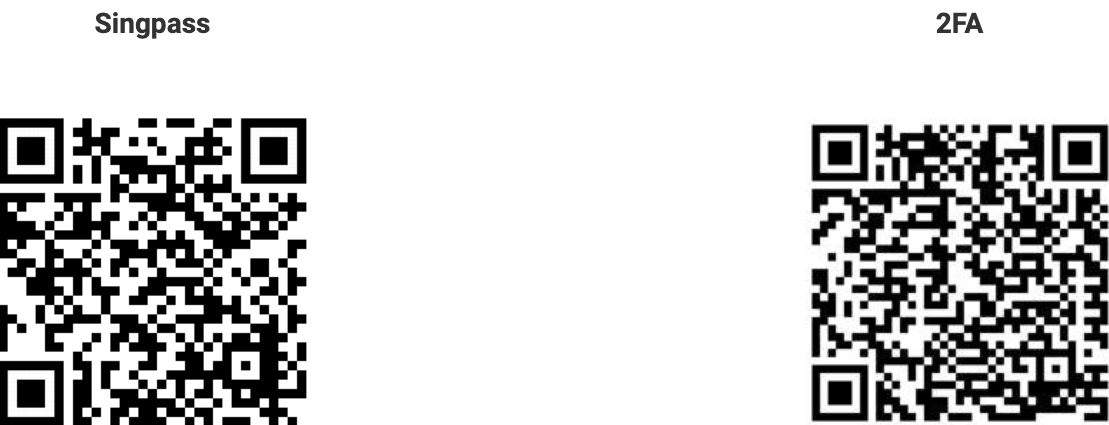
You may also scan the QR codes below to access the respective portals
Step 2 – Download the Parents Gateway Mobile App
Open the Apple App Store (opens in new tab) or Google Play Store (opens in new tab) app on your mobile phone.
Search for the ‘Parents Gateway’ mobile app
Download and install the app onto your phone.
Enable ‘Allow Notifications’ to receive push notifications.
Note: Supported OS Versions - Android 6.0 or later & iOS 9.1 or later
You may also scan the QR codes below to access the respective portals